

Platforms for Business Communication, AI & Intelligence.
 Sarv Meet
Sarv Meet is a secure video conferencing platform that lets businesses host online meetings, webinars, and team discussions with up to 1,000 participants.
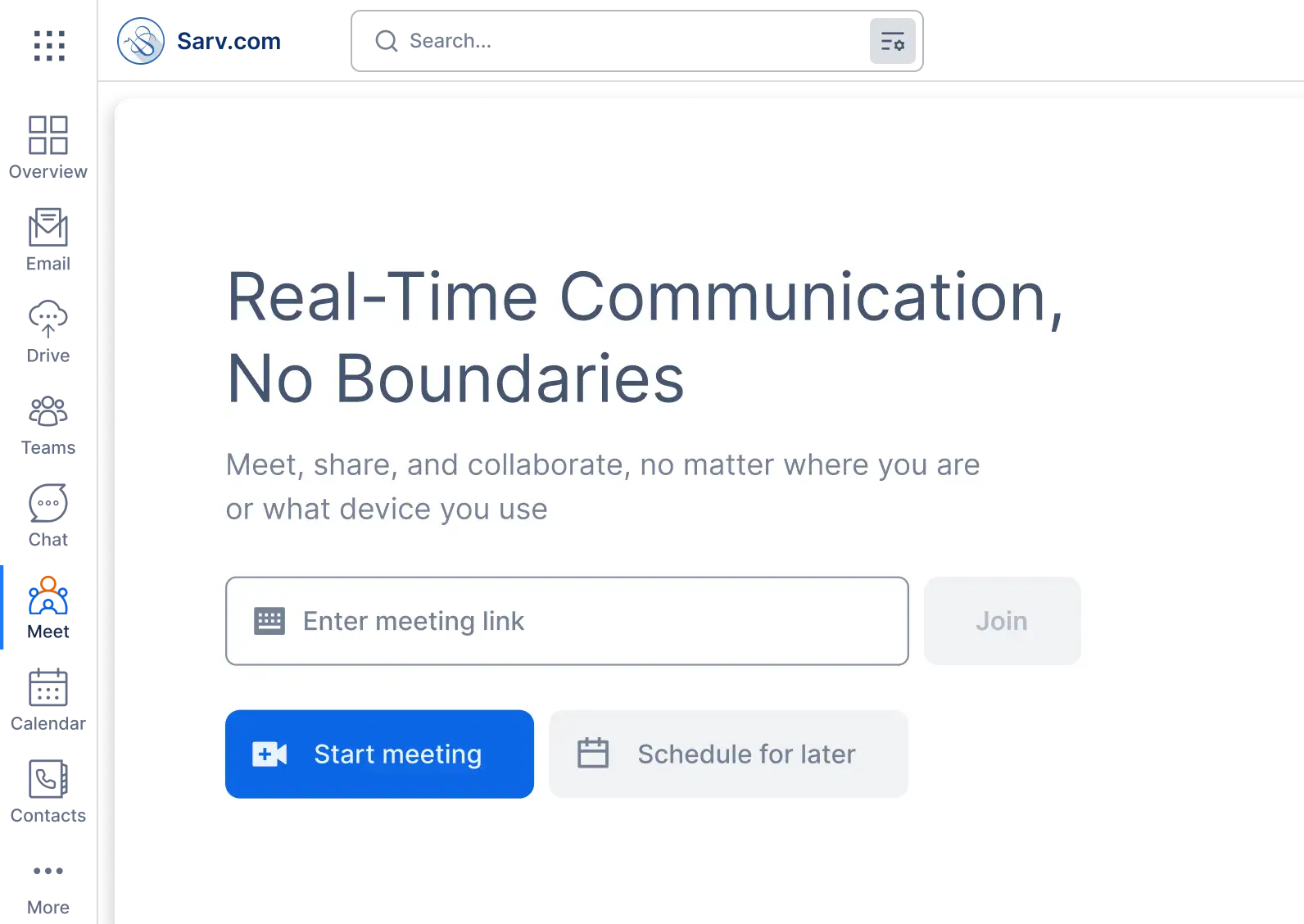
Sarv Meet includes everything you need for secure online meetings, presentations, webinars, and team collaboration. Here are the key features to look for in video call tools:

With end-to-end encryption, your every call is secure and safe.

You can save your data with its data saver mode for long calls

Share your screen during meetings to present documents, reports, and presentations in real time. Sarv Meet offers,

Sarv Meet allows you to Cconduct presentations to relay information and collaborate with others

Store meeting files securely and access them anytime from any device.
Meet in Sarv Workspace works on low bandwidth that saves 55% of your internet usage compared to other platforms, without turning on a data saver. You can save more if you turn it on. Using less data lets you make more meetings.
This makes Sarv Meet ideal for remote teams and users with unstable internet connections.
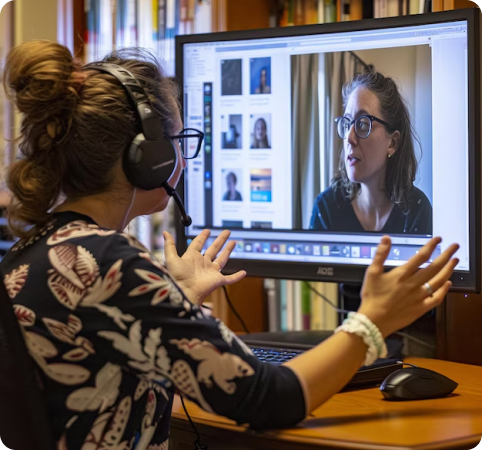

Every single bit of information is transmitted and stored through servers based in India. This reduces the chances of information breaches and leaks and makes Sarv Meet a made in India product proudly run on:
Sarv Meet gives you cloud storage where you can store the files and data that you need for meetings. With files uploaded to your drive, you can share them with others in just one click.

Video conferencing through Sarv Meet enhances communication and collaboration across industries by enabling remote consultations in healthcare, virtual learning in education, productive meetings in business, and efficient legal hearings.

Doctors and patients conduct remote consultations.

Schools and universities conduct online classes, lectures, webinars, and student discussions.

Companies conduct team meetings, client presentations, interviews, and project discussions from one platform.

Courts conduct hearings and depositions remotely.

Reduce bandwidth usage to conserve data, especially useful for long calls or limited internet plans.
Data is hosted on servers based in India, enhancing security and complying with local data regulations.

Host large-scale virtual events or seminars, allowing for interactive sessions with a wide audience.

Store and access files securely in the cloud, providing easy retrieval and sharing from any location.

Engage in one-on-one or group chats during meetings for side discussions and quick messaging.

Minimize background noise to ensure clear and uninterrupted audio during calls.
Elevate your meetings with our video conferencing solutions, available on both desktop and mobile for seamless, secure, and flexible communication anywhere.
 Sarv Meet: One Platform
A central hub for all your virtual interactions - effortlessly joining and managing meetings from anywhere.