
Platforms for Business Communication, AI & Intelligence.
Contacts Contacts

Contacts made smart, secure, and simplified

With Sarv Contacts, you organize, merge, manage, and share your contacts across your workspace and devices with zero effort.

Contacts
Core Feature

Build for the way you work

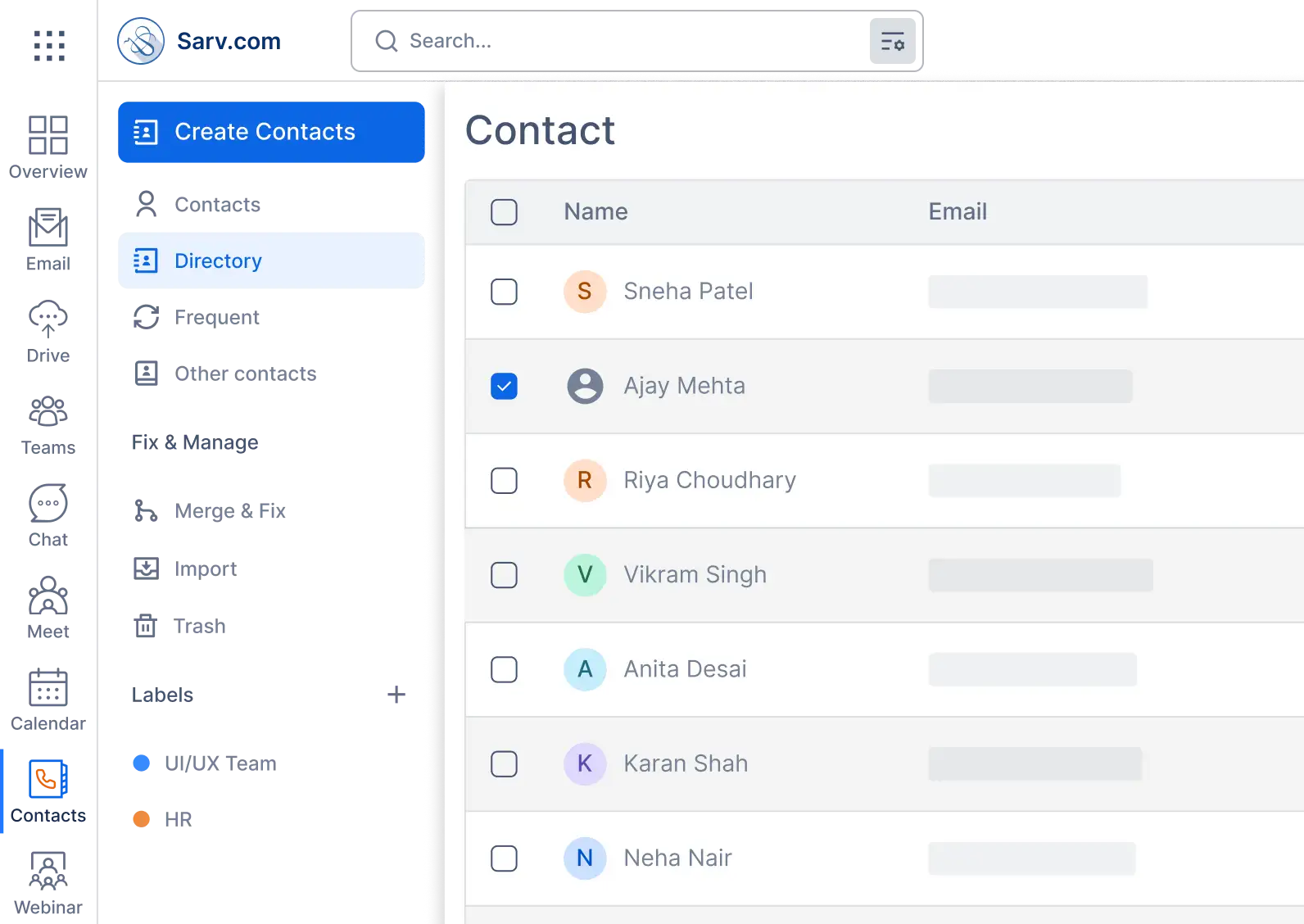
View, group, share

Organize and Collaborate

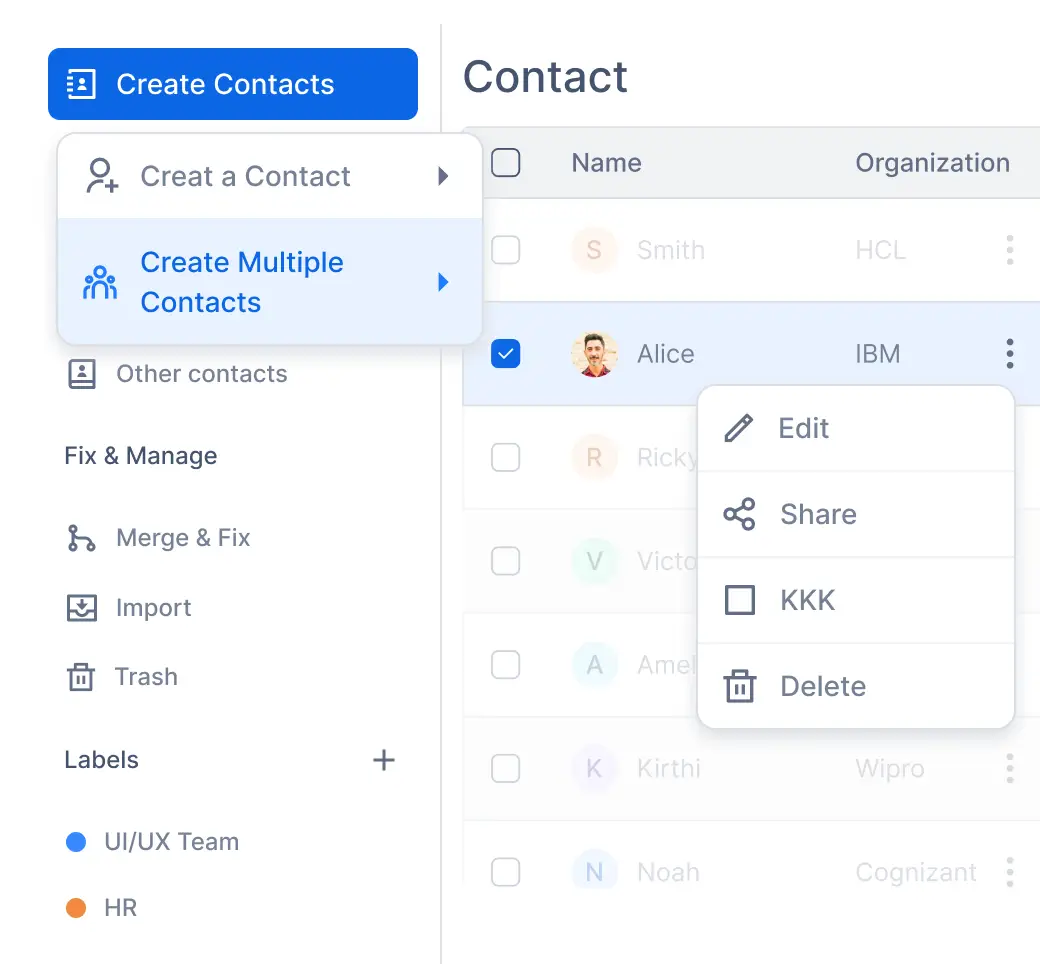
Create groups to separate contacts based on your specification. Share contact groups with the team members. Flexible, customizable, and easy to manage.

Organize and Collaborate
To The Right Person, Before You Finish
Intelligence

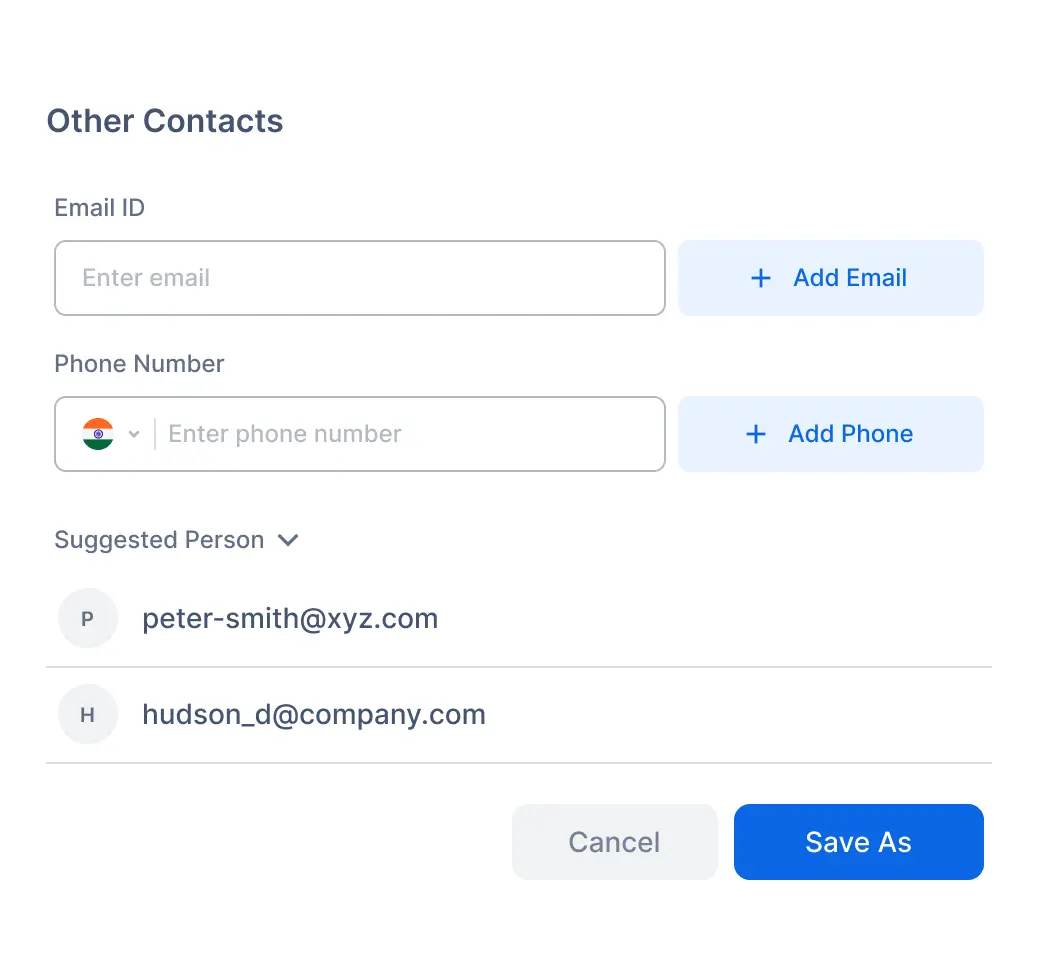
To The Right Person, Before You Finish

People you email or interact with are saved as “Other Contacts” so that they will appear as smart suggestions whenever you need them in the future.

Clean Book

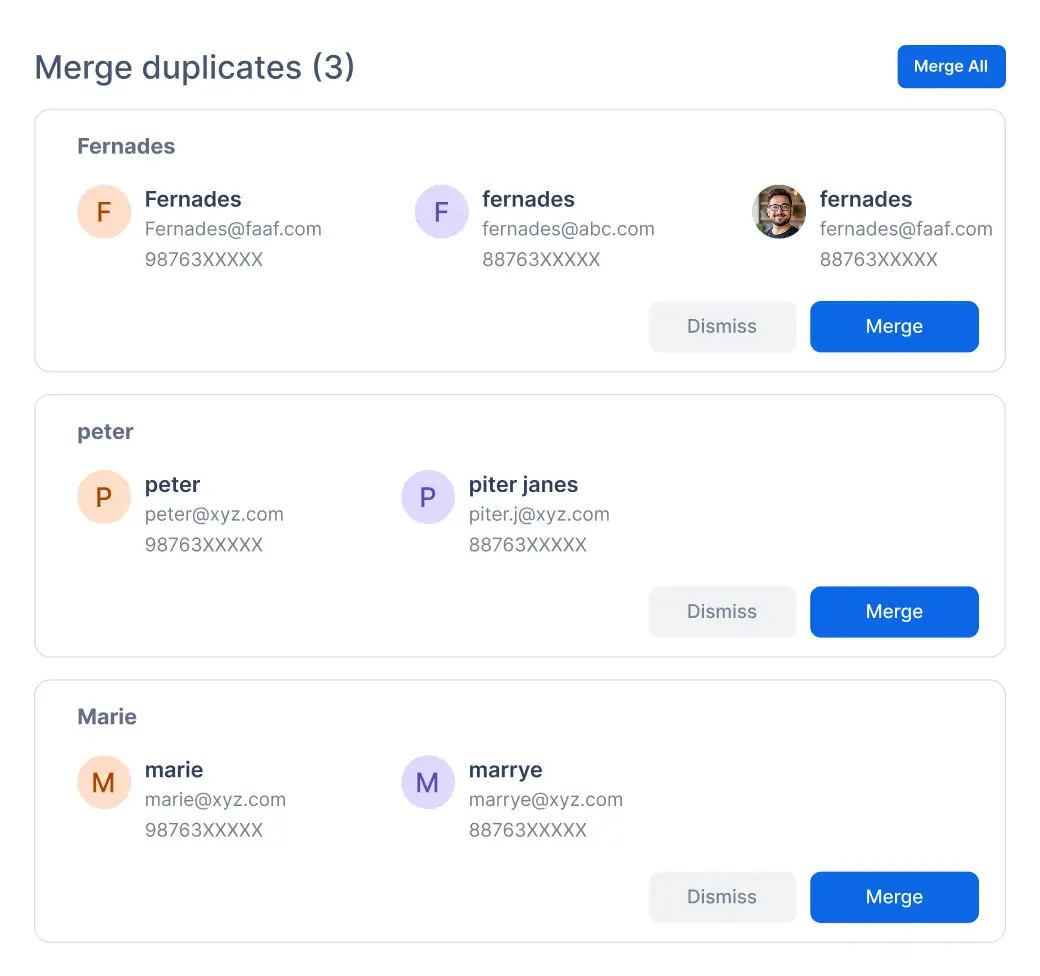
Merge Duplicate

Sarv detects duplicate contacts and entries automatically and offers to merge them cleanly. One click is all you need to clean up your address book.

Merge Duplicate
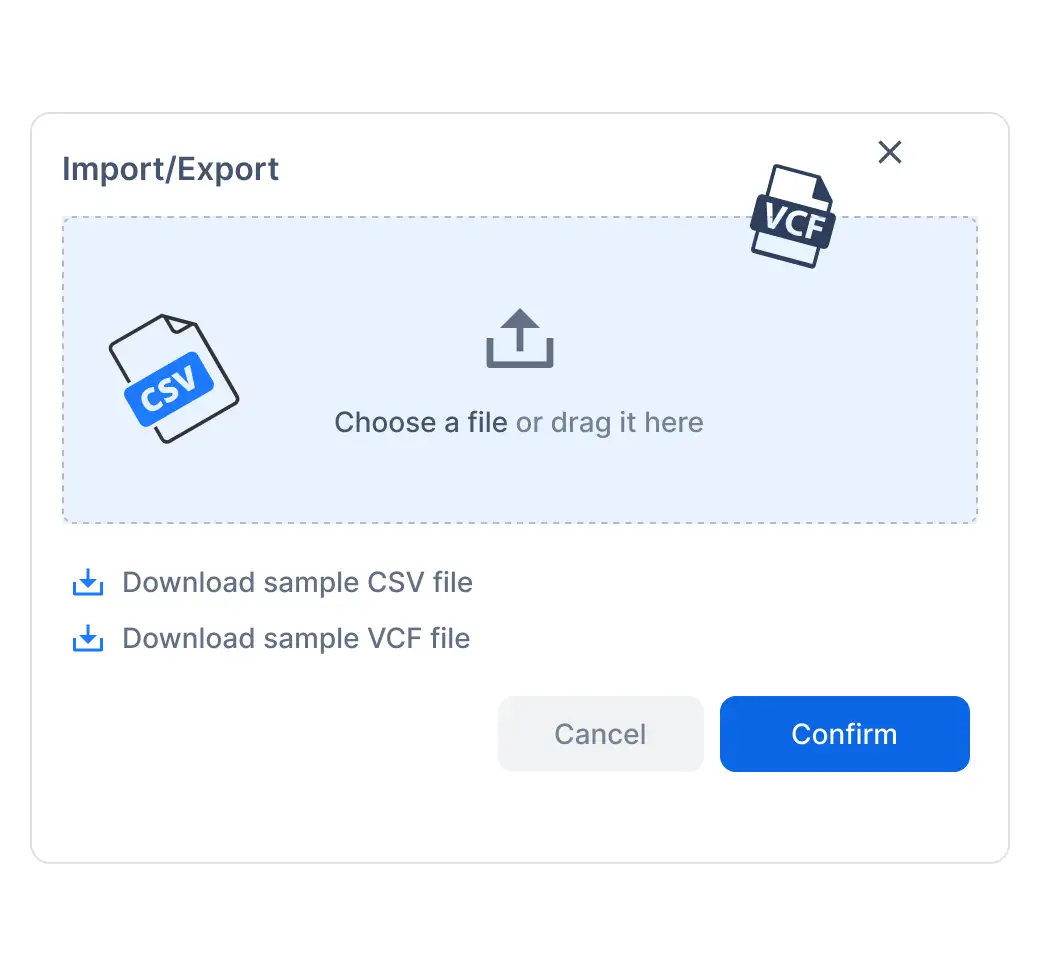
Export, Backup & Import
Portability

Export, Backup & Import

Download your contacts as CSV or vCard so that you can create a backup or import them into other platforms or use them to restore your contact book.

Additional Features

Up and Running in a Few Steps

Start building your contact library today. Import from anywhere, organize your way, and always have the right person at your fingertips.
  • Sign Up

    Sign Up

    Migrate your organization to Sarv Workspace

  • Import

    Import

    Upload your old contacts as CSV

  • Organize

    Organize

    Set labels and groups for contacts

  • Sync

    Sync

    All changes reflect everywhere

Sarv Contacts

Your Contacts, Safe and Private

Save your contacts to our secure Workspace, also providing a reliable and restorable use case.
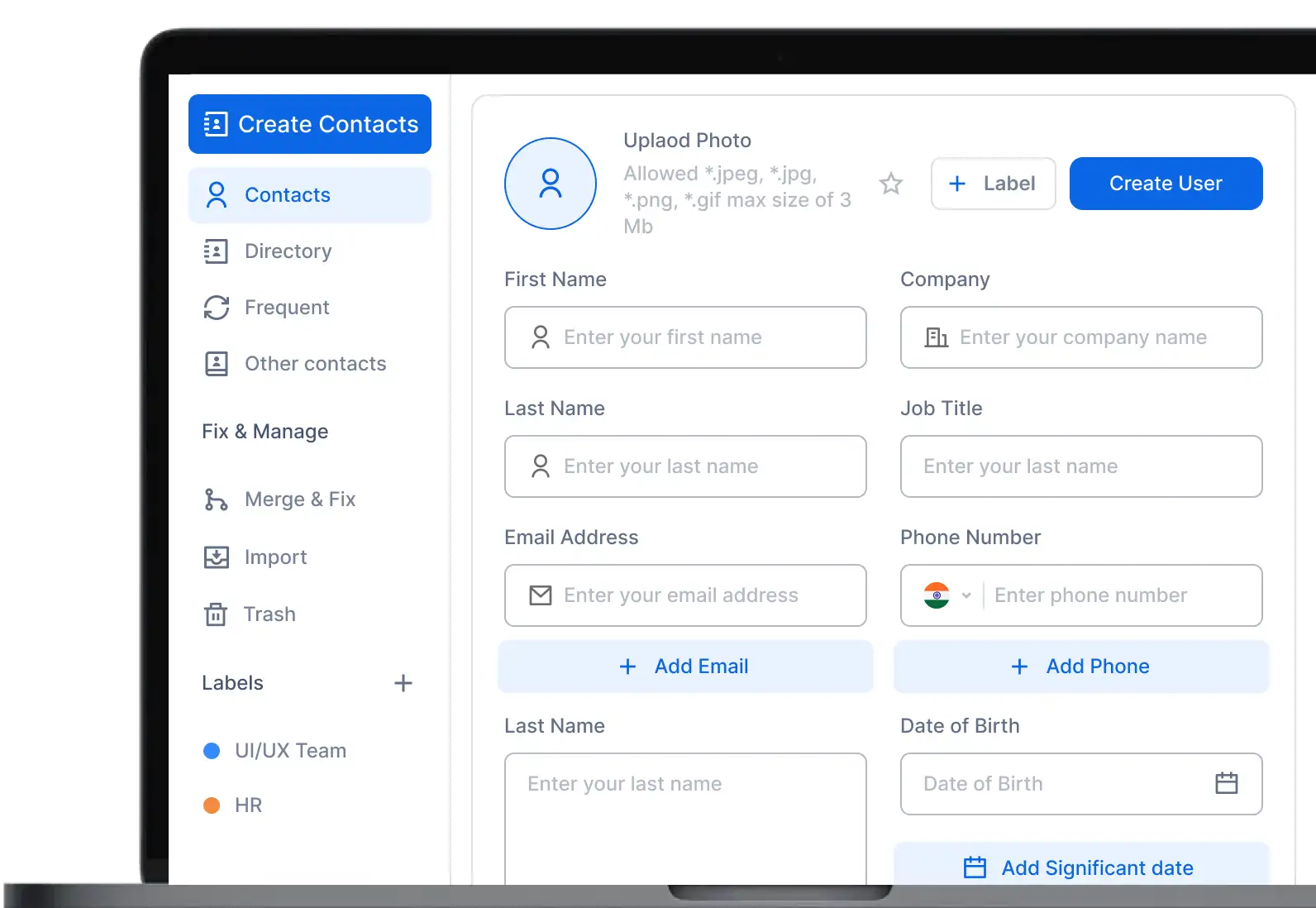
Switch & See in Seconds
Contacts Contacts

Ready to tidy up your digital life?

Join thousands of users who trust Sarv to manage their communication.

  • IMAP
  • iCloud
  • Exchange
  • Outlook
  • YAHOO!
  • Google
Customer Satisfaction

Trusted by over 50,000 companies of all sizes

  • samsung
  • Bharat Electronics
  • logo of income tax department india
  • Route Mobile
  • Tanla
  • Tikona
FAQ’s

Want to know more about it?

You can import your contacts as a vCard or a CSV file. Simply go to the "Organize" menu and choose "Import from file" or "Manage SIM" to seamlessly transfer your network.

Yes! If you have multiple entries for the same person, our smart deduplication feature will automatically detect them. You can easily review these suggestions and merge duplicate contacts into a single, clean contact card with just one tap.

Absolutely. By syncing your contacts to your Sarv account, your data is securely backed up to the cloud. If you ever switch devices or lose your phone, you can easily restore your contacts from your account backup.

Yes, Sarv Contacts allows you to group your contacts using labels. This makes it simple to separate your work colleagues from your friends and family.

You have complete control over your data. At any time, you can export your entire address book, or just a specific group of contacts, to a VCF or CSV file.